
AI Masterclass · For working professionals
AI training for working professionals in Vadodara
Take repetitive work off your desk with AI.
Spend less of your week on reports, emails and slides. Learn the AI tools for office work in one hour a day, in Vadodara.
Ask about the masterclass See the full masterclassWhat changes at work
Three jobs most office roles share, before and after the course.
-
Weekly reports
BeforeCopying figures between sheets and writing the same summary again.
AfterUpload the data, get charts and a first summary, then check and send.
-
Emails and documents
BeforeEvery email and document starts from a blank page.
AfterCopilot drafts in Word and Excel; you check and finish.
-
Meeting prep
BeforeReading long documents the night before a meeting.
AfterNotebookLM summarises them and answers your questions with sources.
How it fits around a job
One live hour a day, on the kind of work you already do.
Choose your track
The 30-day Foundation covers office AI. The 60-day Full program adds automation and agents.
Learn in person
Live classes in Vadodara, with a demo and hands-on practice in every session.
Practise on real tasks
Examples come from real work: reports, emails, proposals, reviews and briefs.
Keep a prompt library
Build master prompts for the tasks you repeat, and keep them for every week after.
What a professional learns
The office-work days first, then automation if you take the Full program.
30-day Foundation
Days 1 to 30
-
Prompts that give usable answers
Days 1–3Foundation
Explain the problem, not just the task, and build prompts you can reuse.
Tools: ChatGPT, Claude, Gemini
-
Copilot, research and NotebookLM
Days 4–7Foundation
Copilot in Word, Excel and PowerPoint, research with sources, and AI ethics.
Tools: Copilot, Perplexity, NotebookLM
-
Assistants and presentations
Days 8–11Foundation
Custom GPTs, Gemini in Google Workspace, Claude Projects and AI slide decks.
Tools: ChatGPT, Gemini, Claude, Gamma
-
Canva and data analysis
Days 16–17Foundation
Canva designs, then cleaning data, building charts and writing formulas with AI.
Tools: Canva, ChatGPT, Google Sheets, Excel
60-day Full program
Days 31 to 60, after the Foundation
-
Automating your work with n8n
Days 36–39Full program
Workflows, APIs and webhooks, AI agents and bots that run tasks for you.
Tools: n8n, Google Sheets
From people who work
-
Dev Chokshi
Artificia AI student
-
Artificia helped me discover powerful AI tools that completely changed how I work. The training was practical, structured, and easy to apply in daily professional tasks.
Nilesh Chaudasama
Working professional, Vadodara
-
Joining Artificia was an eye-opening experience. The AI training is highly practical and directly applicable to modern healthcare operations.
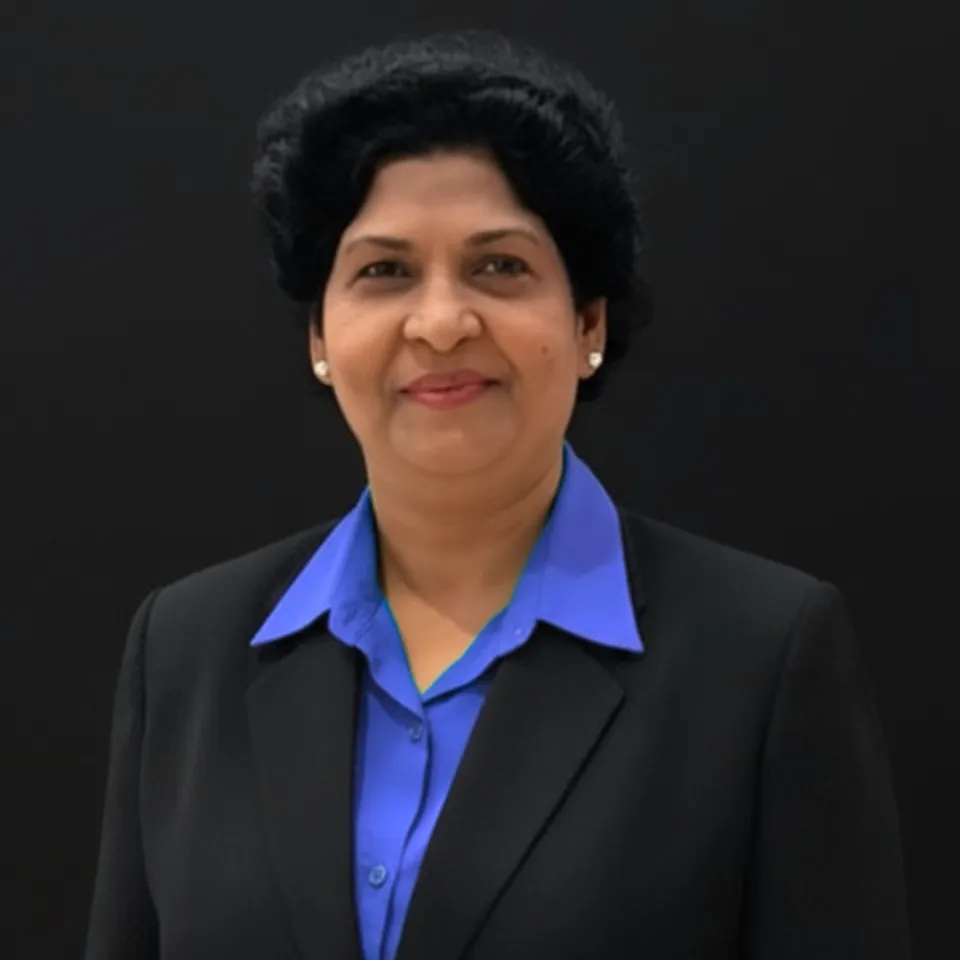
Alphonsa N. P
Chief Nursing Administrator, Aadicura Super Speciality Hospital
Questions professionals ask
Can I attend around office hours?
Classes run one hour a day. Message us on WhatsApp for the current batch timings and pick the one that suits your day.
Is it useful if I mostly use Excel and email?
Yes. The early days cover Copilot in Word, Excel and PowerPoint, research tools and data analysis, which is most office work.
Can I use AI on my company's data?
With care. Day 6 covers AI ethics: hallucination, bias and what not to do. Always follow your company's own rules first.
Can my company train the whole team?
Yes. We also run custom corporate programs, on-site or over Microsoft Teams. They start with a free 2-hour pilot.
Ask about the masterclass
Leave your details and we will send batch timings that work around your job.
- No coding needed
- One hour a day, in person in Vadodara
- Built on everyday office work
Prefer WhatsApp? Message us directly